

We make the tools you already rely on talk to each other
Custom plugins, CRM and lead sync, payments and booking, third-party APIs. This is Matt’s side of the work: if it has an API he can connect it, and if it doesn’t, he usually finds a way.
Most small businesses run on a patchwork of tools that were never designed to work together, and somebody ends up copying data between them by hand. A sale typed into the website, then into the accounts, then into the mailing list.
Matt connects the systems you already use so that job happens on its own. No replacing tools your team likes, no new platform to learn: just the missing link between them.
What Matt connects and builds
-
CRM and lead sync
Enquiries and customers flow into HubSpot, Zoho or Brevo, tagged and ready, with nobody re-typing them. Matt has years of hands-on work with all three, and with Stripe alongside them.
-
Payments and booking
Stripe checkouts, memberships, tickets and bookings that work on the site you already have.
-
Third-party APIs
ERPs, SMS, mapping, accounts packages: if it has an API, it can be connected, and if it doesn’t, there’s usually a way.
-
Custom plugins
The WordPress feature that doesn’t exist off the shelf, built for you and documented.
-
Automations
Spreadsheets that publish themselves, menus that print themselves, reminders that send themselves.
-
Built to be trusted
Validated input, logged errors and tests, so a broken feed tells someone rather than failing quietly.
A single feature or plugin gets a fixed quote. Smaller jobs are done at the day rate of £350 excluding VAT.
Integrations by name
The things people ask for most, each one built at least once and still running. Click through to see what it did for the client.
-
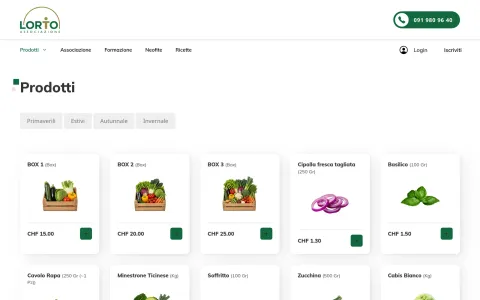
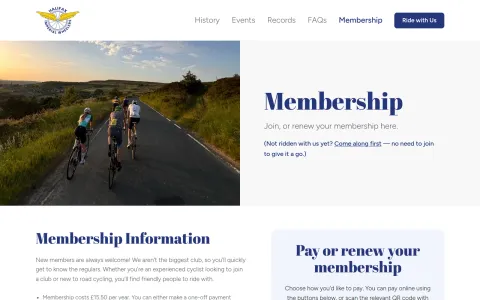
Stripe payments and memberships, without WooCommerce
Members pick a plan and pay from their phone; the club gets a clean record and a notification. No shop platform to keep updated.
The case study -
Event registration, tickets and CRM sync in one plugin
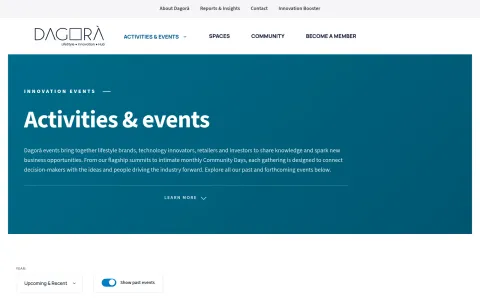
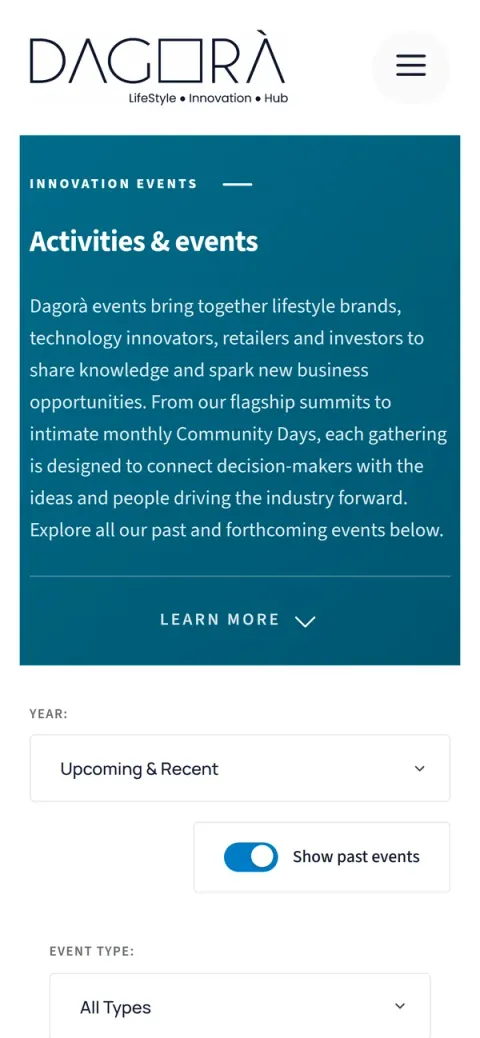
Registration, coupons, Stripe Checkout, PDF badges and HubSpot sync, built for an innovation hub that runs events all year.
The case study -
Forms and sign-ups into HubSpot, Zoho or Brevo
Enquiries, event registrations and newsletter sign-ups land in the right list, tagged and without duplicates, whichever of the three you use. A Stripe payment can follow the same path, so the CRM knows who has paid.
The case study -
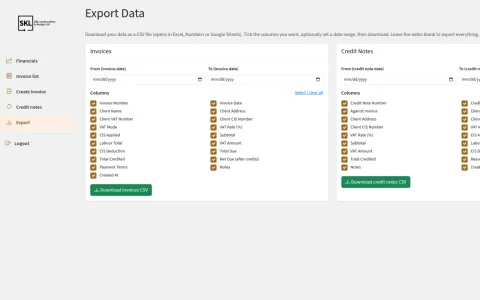
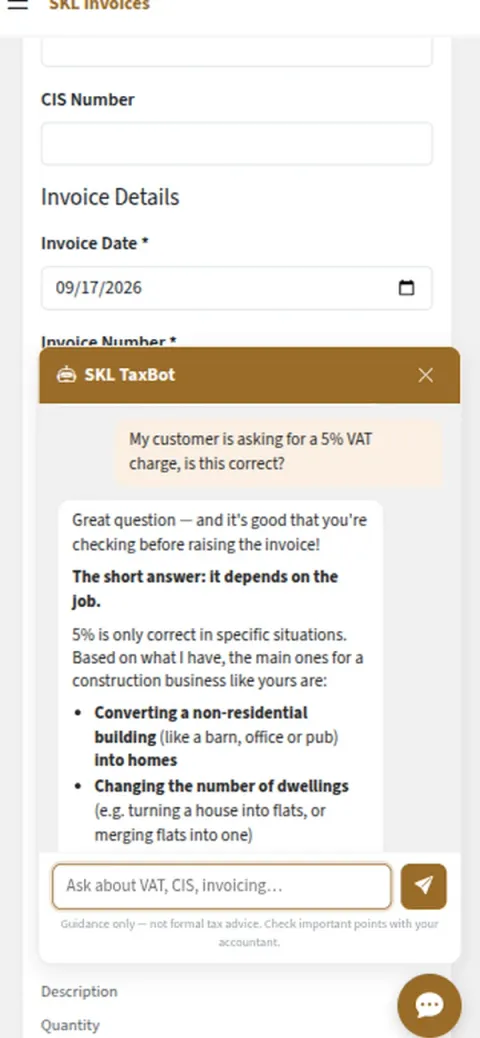
Invoicing from your jobs, into Xero, QuickBooks or an app of your own
CIS, VAT at every rate and the breakdown each client wants, raised from a form, a booking or a plain-English description of the job. Matt has worked with both accounts packages; their APIs are well documented and neither is exotic.
The case study -
Extending Amelia, Bookly or the booking plugin you already have
Deposits, payouts, custom rules, a step the plugin doesn’t do. Matt is extending Amelia for a client as this is written.
-
A spreadsheet that publishes itself
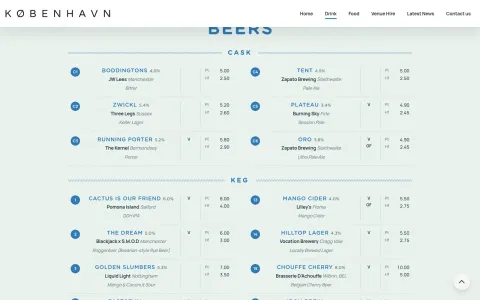
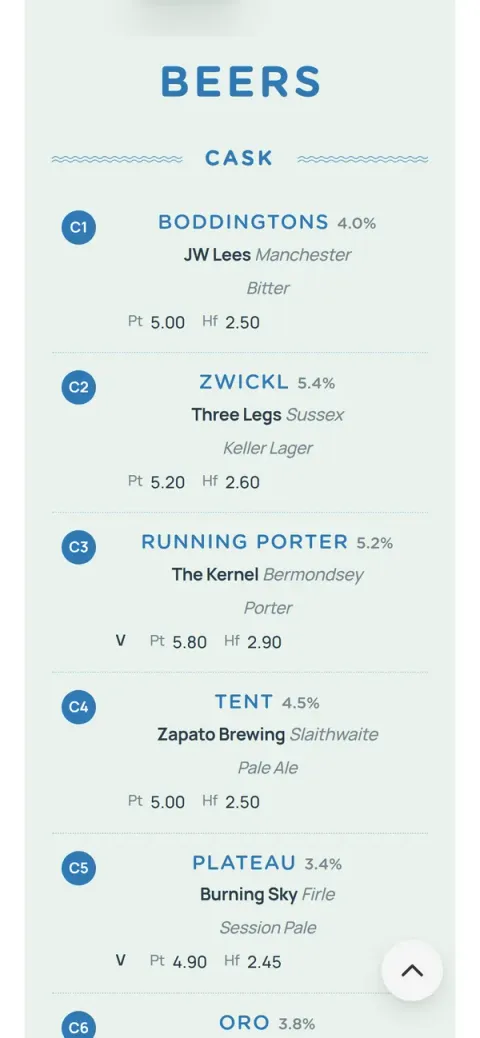
One file the bar already keeps becomes the website menu and the printed menu in a single step, checked hard on the way in.
The case study -
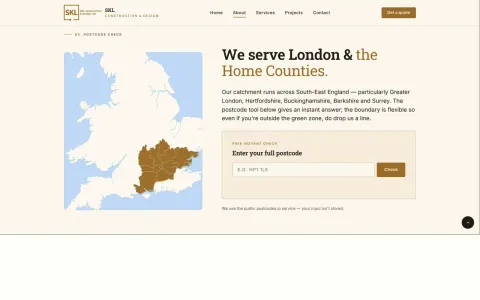
A postcode or service-area checker
Type a postcode, get yes, probably or sorry, matched against the firm’s own coverage lists. Fewer polite noes on the phone.
The case study -
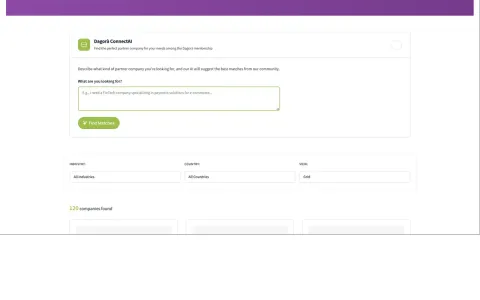
An assistant that answers from your own data
Members describe the partner they need in a sentence and get matches with reasons, grounded in the directory rather than a model’s guess.
The case study
AI, built in carefully
AI is a development job here, and Matt does it. Used well, it takes the repetitive work off people’s desks and leaves the decisions with them. It’s an aid to your team’s good sense, not a substitute for it.
-
Answers from your content
Grounded in your own documents and data, so answers come from what you know rather than what a model guesses.
-
Checks in and out
Safety layers on what goes in and what comes out, designed in from the start and tested like any other software.
-
Only where it helps
Sometimes the right answer is a well-built search box, not AI. Matt will tell you when it is.
Integrations you can rely on
Integrations fail at the edges: odd data, timeouts, a supplier changing their API. Matt writes the tests that catch that before your customers do.

-
Blocks and templates
Every block registers, renders and escapes its output the way the design says it should.
-
Forms and endpoints
Bad input, spam and repeat submissions are rejected before they reach anyone’s inbox.
-
Security and roles
Security headers are set, and client editors can only touch what they’re meant to.
-
Code standards
Static analysis and the WordPress coding standards run on every change.
Plugins and integrations Matt has built
-


-

-


-
-
-
-
-
-



Tell us what you need
Whether it’s a fix, a new feature or something brand new, drop us a line. Here’s how it works.